Best WiFi Routers in India: Single-Band to Dual-Band Compared
Most homes genuinely don’t need the fanciest router on the shelf — they need one that reaches every room reliably and doesn’t need a restart every other day. This roundup covers two accessible single-band routers for straightforward home use, and one dual-band step-up for households running more devices or wanting better range and less interference.
Single-band vs. dual-band is the main decision here, covered properly in the buying guide, since it affects both speed and how well the router handles a home full of phones, laptops and smart devices simultaneously.
All three are straightforward to set up via a mobile app or web interface — no networking expertise needed for basic home use.
How to pick the right WiFi router
Three things that matter more than the router’s marketed speed number.
- Dual-band routers handle more devices with less interference than single-band ones. A dual-band router broadcasts on both 2.4GHz and 5GHz, letting you split devices across two frequencies — genuinely useful once a household has several phones, laptops and smart devices all connecting at once.
- Range matters more than raw speed for most homes. A router that covers your whole home reliably at moderate speed beats one with a higher headline speed number that drops out in the back bedroom.
- Mobile app support makes setup and troubleshooting genuinely easier. Both routers here support app-based management, which is a real convenience over the old web-browser-only setup process.
The best WiFi routers you can buy right now
D-Link DIR-615 — the budget single-band pick
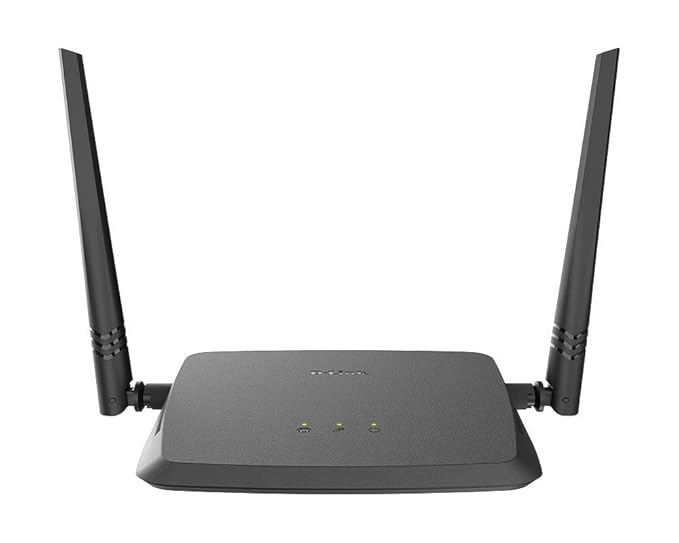
This is a no-frills single-band router that covers the basics well — 300Mbps N-standard WiFi, mobile app support for easy setup, at a genuinely accessible price. Its large review base reflects how many Indian households have relied on it for simple, dependable home internet.
Single-band means all your devices share the same 2.4GHz frequency, which is fine for a small home with modest device counts but can get congested in a busier household.
Best for: Small homes or apartments needing straightforward, affordable WiFi coverage.
- 👍 Very affordable entry point into home networking
- 👍 Mobile app support for easier setup
- 👍 Large, reassuring review base
- 👍 Straightforward for basic home use
- 👎 Single-band only — no 5GHz option for less-congested connections
- 👎 Range suited to smaller homes, not large or multi-floor spaces
- 👎 Basic feature set compared to dual-band alternatives
TP-Link N300 TL-WR845N — the reliable single-band alternative
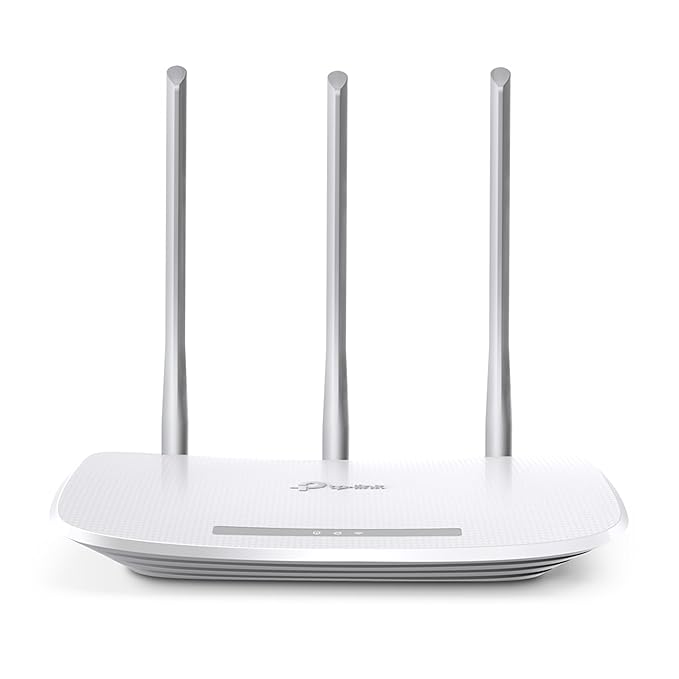
TP-Link’s N300 router covers similar ground to the D-Link option — 300Mbps single-band WiFi at an accessible price — with three external antennas aimed at giving somewhat stronger, more directional coverage than smaller single-antenna designs.
Choosing between this and the D-Link often comes down to brand preference or whichever is easier to find locally, since both deliver comparable everyday performance for small to medium homes.
Best for: Households wanting a well-established brand alternative to D-Link at a similar budget tier.
- 👍 Three antennas aid coverage and signal strength
- 👍 Trusted TP-Link brand reputation
- 👍 Similar affordable pricing to the D-Link alternative
- 👍 Large review base backing reliability
- 👎 Still single-band, same congestion limitation as the D-Link
- 👎 Not suited to larger homes needing stronger range
- 👎 No meaningful feature advantage over the D-Link alternative
TP-Link Archer C6 AC1200 — the dual-band step-up
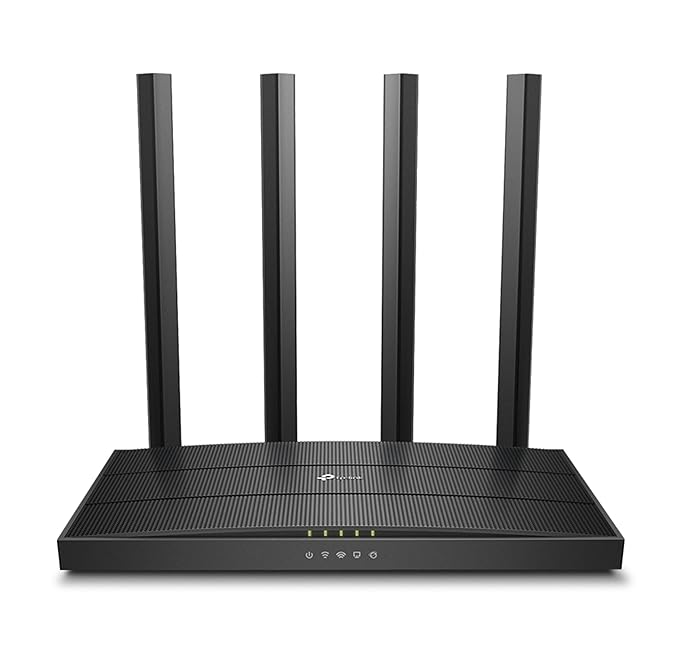
This is where dual-band earns its keep — up to 867Mbps on 5GHz plus 400Mbps on 2.4GHz, letting you split devices across both bands to reduce congestion and interference. It’s the router for a household that’s outgrown a basic single-band setup, whether from more people, more devices, or simply more frustration with dropped connections.
Its very large review base and strong rating reflect genuine widespread satisfaction, making it a safe step-up choice rather than a gamble on unfamiliar dual-band hardware.
Best for: Households running multiple devices simultaneously or wanting better range and less interference.
- 👍 Dual-band (2.4GHz + 5GHz) reduces congestion for busier households
- 👍 Meaningfully faster top speeds than single-band options
- 👍 Extremely large, strong review base
- 👍 Better suited to larger homes or more connected devices
- 👎 Costs more than either single-band option here
- 👎 Overkill for a small home with few connected devices
- 👎 5GHz range is typically shorter through walls than 2.4GHz
Frequently Asked Questions
Do I need a dual-band router?
If your household has several devices connecting simultaneously — phones, laptops, smart TVs, smart home devices — a dual-band router like the TP-Link Archer C6 reduces congestion by splitting traffic across two frequencies. For a small home with just a couple of devices, a single-band router like the D-Link DIR-615 or TP-Link N300 is genuinely sufficient.
Which is better: D-Link DIR-615 or TP-Link N300?
They’re closely matched on specs and price — both are reliable single-band N300 routers with large, positive review bases. The choice often comes down to brand preference or local availability rather than a meaningful performance difference.
Does a dual-band router actually give faster internet?
It can improve your effective speed by reducing congestion, especially on the less-crowded 5GHz band, but your actual internet speed is still capped by your ISP plan. A router upgrade helps distribute existing bandwidth better, not increase what your provider delivers.
How do I know if my home needs a stronger router?
If you experience dead zones in certain rooms, frequent disconnections, or noticeable slowdowns when multiple devices are active, it’s a sign to consider a dual-band router like the TP-Link Archer C6 or repositioning your current router centrally in your home.
Is router setup difficult for a non-technical person?
Not with modern routers — all three here support mobile app-based setup, which walks you through connecting to your internet provider step by step, without needing networking expertise.
How often should I replace my WiFi router?
Most routers remain functional for 4-5 years, but if you’re experiencing persistent issues or your household’s device count has grown significantly since you bought your current router, an upgrade like the TP-Link Archer C6 can meaningfully improve daily experience sooner than that.
The bottom line
For a small home or apartment on a budget, either the D-Link DIR-615 or TP-Link N300 covers the basics reliably — pick whichever’s easier to find. For a busier household with multiple devices or a larger home needing better range, the TP-Link Archer C6‘s dual-band capability is worth the extra cost.
As an Amazon Associate we earn from qualifying purchases — at no extra cost to you. We don’t print prices or ratings here because they change daily; tap through to Amazon for the current price and latest reviews.